
Nano Banana Pro Prompting: The Complete Guide
Master Nano Banana Pro prompting with expert techniques for stunning AI-generated images. Learn specificity, structure, and advanced methods.
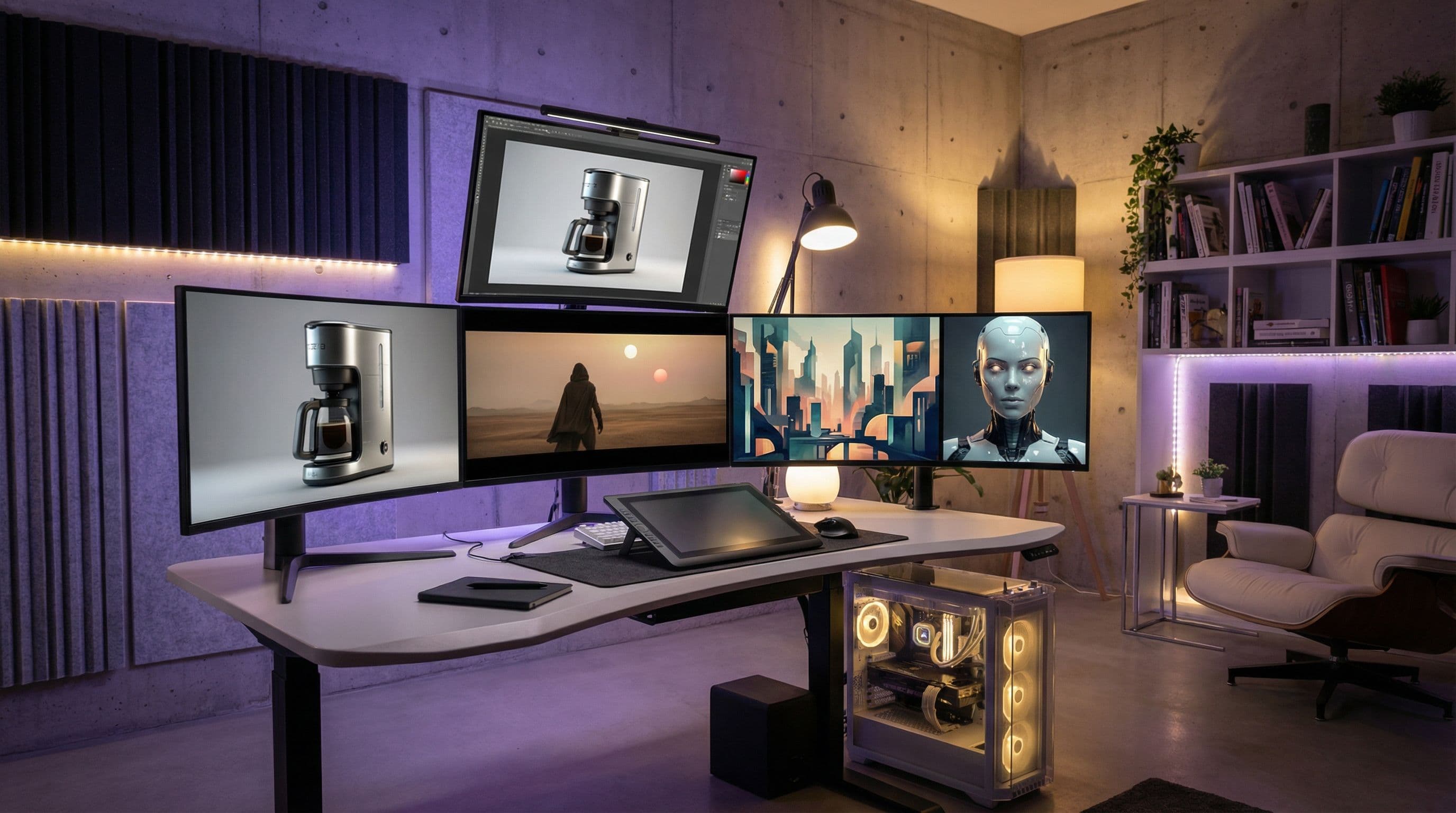
In the world of AI image generation, Nano Banana Pro powered by Gemini 3 offers unparalleled control over visuals, text rendering, and complex compositions. Whether you're creating product photography, UI mockups, or visualizing concepts, mastering prompting can elevate your outputs from basic to professional-grade.
What You'll Learn#
- Core best practices for writing effective prompts
- How to structure prompts like a professional brief
- Advanced techniques including JSON prompts and multimodal blending
- Common pitfalls and how to avoid them
What Is Nano Banana Pro?#
Nano Banana Pro is an AI-driven image generator renowned for its precision, prompt adherence, and ability to handle intricate logic, spatial constraints, and multimodal inputs. It integrates real-world knowledge for accurate depictions, supports up to 14 image blends, and excels in tasks like text integration, diagram creation, and photo editing.
Available through platforms like the Gemini app, AI Studio, and Vertex, Nano Banana Pro is ideal for branding, content creation, and technical visualization.
Core Best Practices#
Be Specific and Descriptive#
Specificity is paramount. Instead of generic requests, describe every detail that matters.
❌ Vague prompt:
✅ Specific prompt:
Include these elements in your descriptions:
- Subject: Who or what is the focus
- Composition: Camera angles (low-angle, wide shot, close-up)
- Action: What's happening in the scene
- Setting: Location and time of day
- Style: Realistic, anime, oil painting, cinematic
- Editing: Specific adjustments or background changes
Use layered descriptions: start with the main subject, add atmospheric details (misty fog), materials (glossy metallic), and mood (dramatic shadows).
Structure Your Prompts Like a Professional Brief#
Treat prompts as natural language instructions to a human artist. Use full sentences and provide context.
The 5-layer structure:
- Style and Art Direction: "Photorealistic with cinematic depth"
- Scene and Environment: "A bustling futuristic cafe on Mars during golden hour"
- Main Subject and Action: "A stoic robot barista brewing coffee"
- Camera and Lighting: "Low-angle shot with shallow depth of field (f/1.8) and volumetric rays"
- Textures and Colors: "Matte ceramic textures in pastel tones"

Leverage Cinematic Language#
Film-inspired terms create immersive results. Use phrases like:
- "Shot on 35mm film"
- "Bokeh background"
- "Rim lighting"
- "Golden hour backlighting with long shadows"
- "Wide cinematic lens with subtle vignette"
- "Shallow depth of field"
Edit Iteratively#
Golden rule: Refine existing outputs through conversational edits rather than starting over. Say "Turn this scene into nighttime" or "Focus on the flowers" to maintain consistency.
This approach saves time and leverages the model's understanding of your context.
Advanced Techniques#
Multimodal Prompting and Image Blending#
Nano Banana Pro supports blending up to 14 images for new compositions while maintaining lighting and textures.
Use cases:
- Compress text into infographics
- Convert 2D floor plans to 3D interiors
- Transform sketches to photorealistic renders
- Ground prompts with real-time data for accuracy
JSON Structured Prompts#
For precise layouts and complex compositions, JSON structures ensure semantic regions and spatial constraints are respected:
Maintaining Character Consistency#
Lock identities with reference images (up to 6 for high fidelity) to keep facial features consistent across poses or scenes.
Character consistency is ideal for storytelling, brand mascots, and creating cohesive visual narratives across multiple images.
Prompt Examples by Use Case#
Product Photography#

Math and Logic#
Photo Editing#
Infographics#
Common Pitfalls to Avoid#
Avoid vague or conflicting prompts, which can cause artifacts like unnatural blends or inaccurate text rendering.
1. Vague Descriptions#
Don't rely on the model to fill in details. Be explicit about everything that matters to your output.
2. Overloaded Prompts#
Too many instructions confuses the model. Keep prompts focused on the essential elements.
3. Conflicting Instructions#
"Fast-paced peaceful scene" creates confusion. Ensure all descriptors work together.
4. Skipping Verification#
Always verify factual outputs, especially in diagrams and infographics. Use negative prompts to exclude common errors:
Conclusion#
Mastering Nano Banana Pro prompting transforms AI from a novelty to a powerhouse tool. By emphasizing specificity, structure, and iteration, you'll produce consistent, high-fidelity results tailored to your needs.
Key takeaways:
- Be specific and descriptive with layered details
- Structure prompts using the 5-layer framework
- Use cinematic language for professional results
- Edit iteratively instead of regenerating
- Leverage advanced features like JSON and multimodal inputs
Ready to create stunning AI images? Try our AI Image Generator and put these techniques into practice!
Have questions? Visit our Support page or join our community.